PRIME TIME 6V6 PARTICIPANT REGISTRATION
Participant Registration Overview
Each Participant, or the Parent/Guardian of the Participant, will need to register to join a team.
Steps for Users With Team Code/Invite to Register:
Step 1: Click on the “Accept Invite” button from your invitation email or go to the Registration listing module and select the Program/Division you would like to register for. Click “Register Now” (you can also click “Register Now” when you are signed into your account). If you received an email invite, simply click on the link in the email.
Step 2: Create a new account if you have never logged in or log in with existing credentials
Step 3: Enter your information and continue
Step 4: Select “I am a parent or guardian registering a participant” from the “Which Best Describes You” pop-up, even if you are registering yourself as a participant.
Step 5: Enter the participant’s information (which may be your own information).
Step 6: Select the Program for which you want to register for (this step will be skipped if you clicked on “Accept Invite” from your invitation email).
Step 7: Confirm the correct Division is selected for which you want to register for.
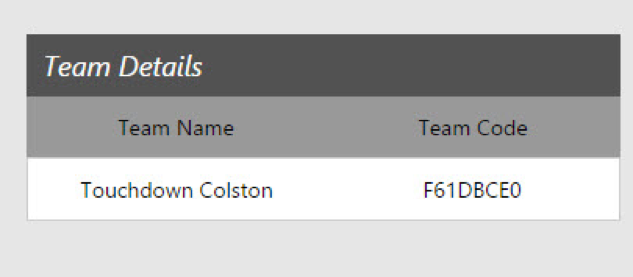
Step 8: Enter the Team Code (if it isn’t automatically populated) and any additional information required.
Step 9: You’re Registered!
What happens if a player loses their team registration email invite?
Easy! The player just needs to ask the coach for the invite code which can be found on their Manger Roster Invites page! Then the player can simply enter the code during the player registration process to join the team.